Item Pickup VFX
Description
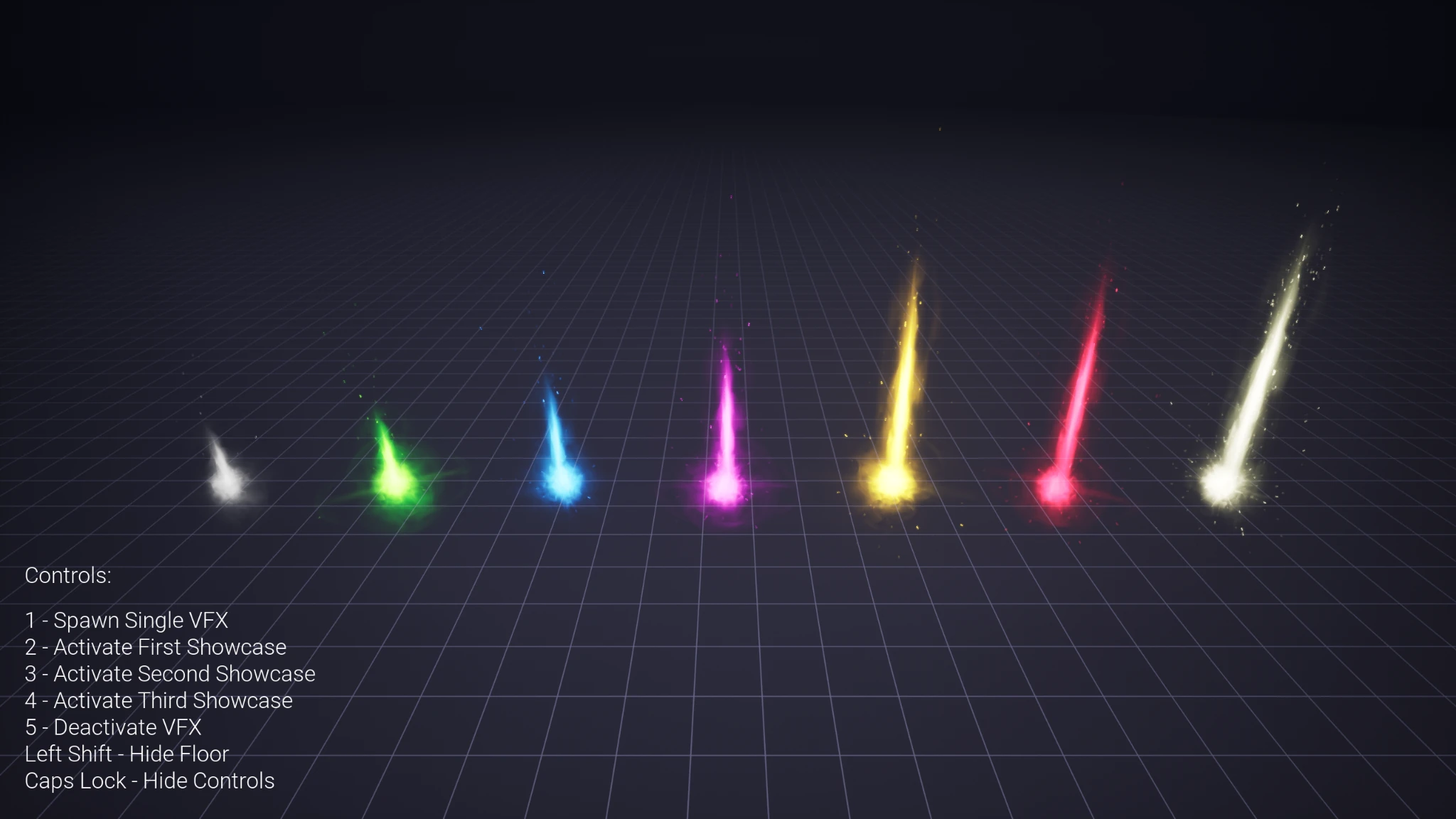
Item Pickup VFX featuring 22 color variations, smooth spawn animation and full customization via parameters.
Thank you for your purchase! I hope my product will be useful to you.
If you like it, please consider leaving a ⭐⭐⭐⭐⭐ review. It would help me a lot!
If you have any questions, feel free to ask on the Discord server.
🍀 Good luck with your projects!
Documentation
This documentation describes the customization process and implementation methods of the effects.
If you start the game, you will be able to see the controls in the left bottom corner of the screen. You can use them to browse through the effects.
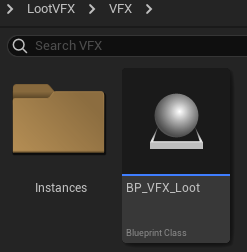
The folder LootVFX\VFX contains the base Blueprint which holds the Niagara
system and its essential parameters.
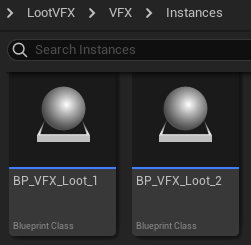
The folder LootVFX\VFX\Instances contains child blueprints. You can create
your own child blueprint by right clicking on BP_VFX_Loot and selecting the
corresponding item in the menu.
Inside the child blueprint you can find the parameters that allow you to customize the effect.
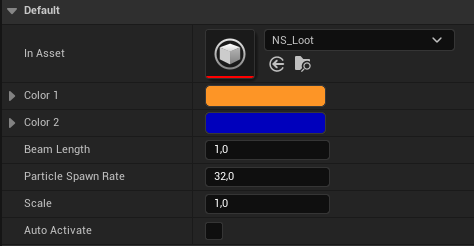
- In Asset refers to the niagara system and you dont need to change this one unless you made a copy of the niagara system and tweaked it in some way.
- Change Color 1 and Color 2 to set up the colors.
- Beam length allows you to change the length of the beam).
- With particle spawn rate you can control how much particles will spawn.
- Since regular scaling doesn't work on effects, you can do it here with a scale parameter.
- Auto activate means that the effect will be activated the moment it spawns. You probably want to enable it for your game.
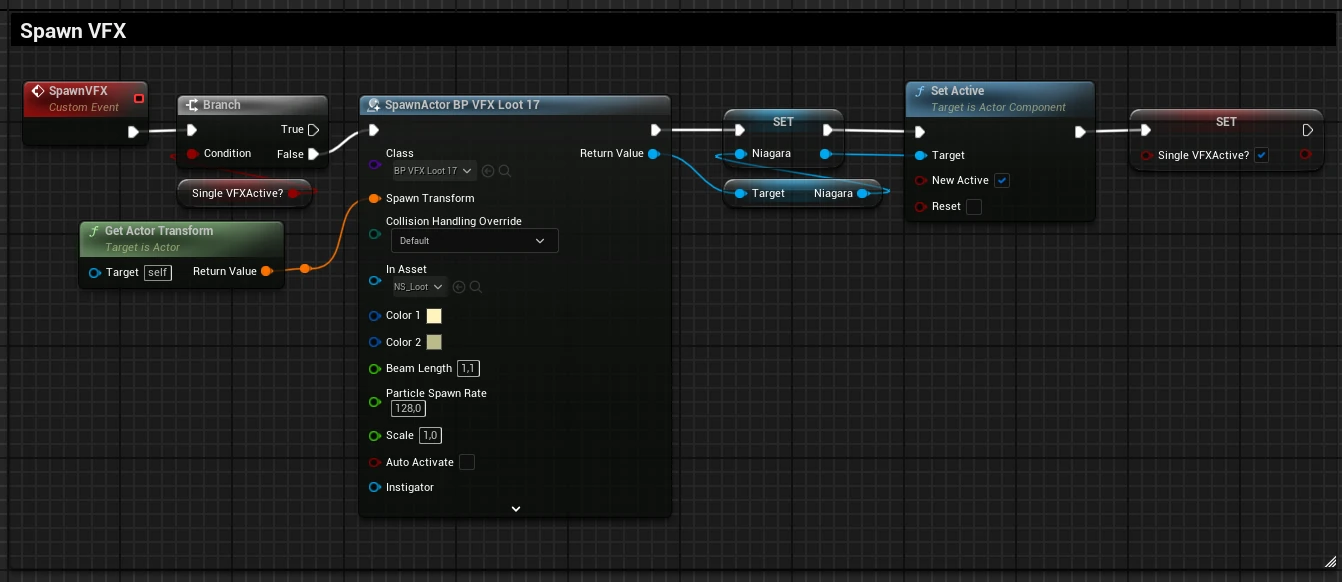
There is an example
LootVFX\VFX\DemoRoom\Bluerprints\BP_VFX_Spawner how you can spawn a VFX child
blueprint actor and even change parameters if you need to. But it is better to
create a new child blueprint and set the parameters inside.
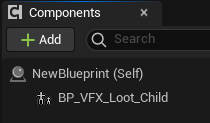
But since you most likely will use it as a lootable item, you don't need to spawn it, adding a child blueprint with enabled auto activate as component inside of your item actor will be enough.
When implementing this effect in your game, due to how infinite effects works, please consider manually destroying the actor after deactivation.
Supported Unreal Engine Versions
| Unreal Engine | 5.0 | 5.1 | 5.2 | 5.3 | 5.4 | 5.5 | 5.6 | 5.7 | 5.8 |
|---|---|---|---|---|---|---|---|---|---|
| Product version | v1.1 | v1.1 | v1.1 | v1.1 | v1.1 | v1.1 | v1.1 | v1.1 | v1.1 |
Changelog
v1.1
- Master material optimization
v1.0
- Initial release