SurfaceDirt
Development preview — not yet released on Fab. This page describes the current local candidate.
SurfaceDirt adds patchy dust, mud and grime to materials. Its deposition mask combines a uniform contribution, upward-facing surfaces, a world-height band and an optional cavity mask that you supply.
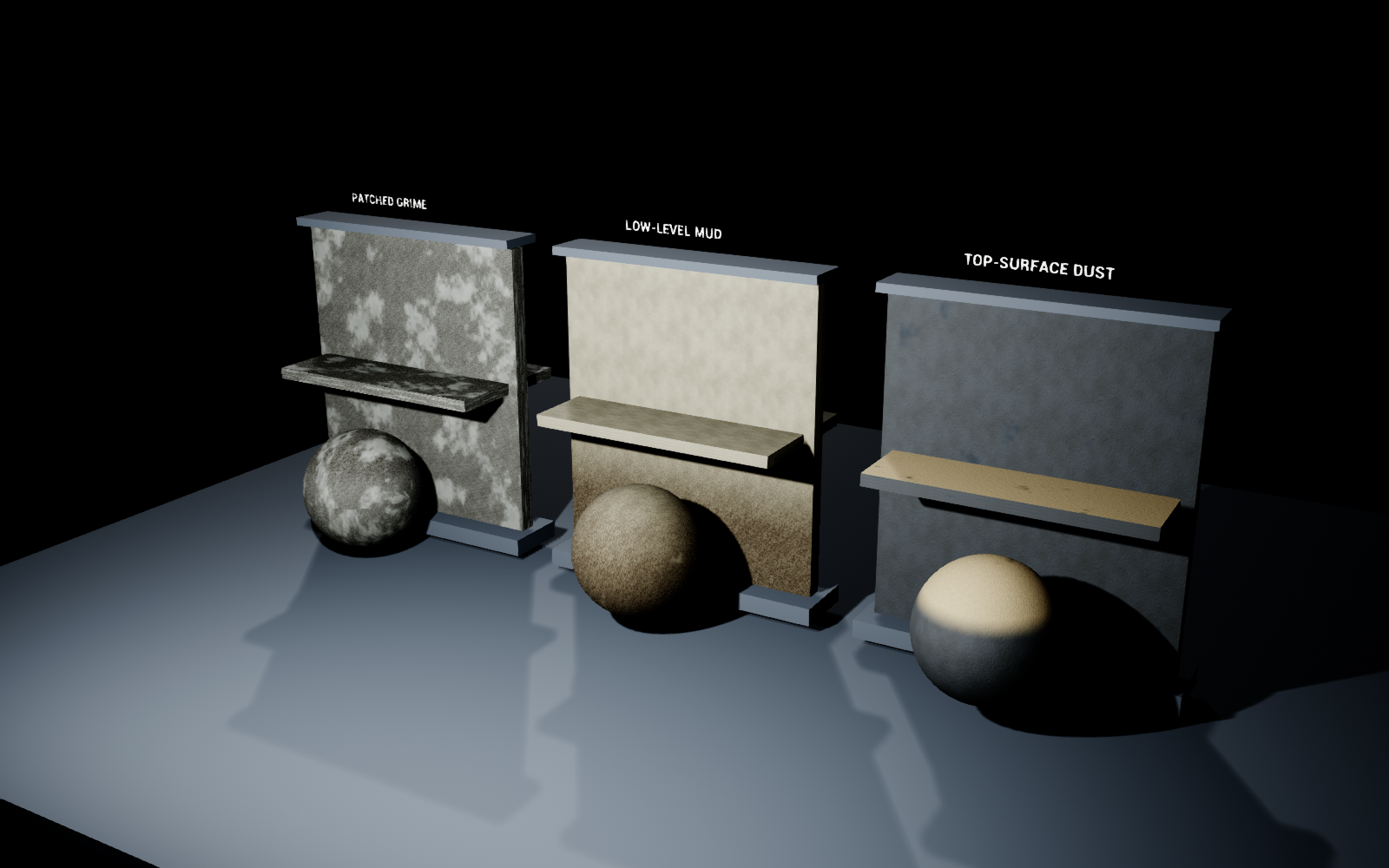
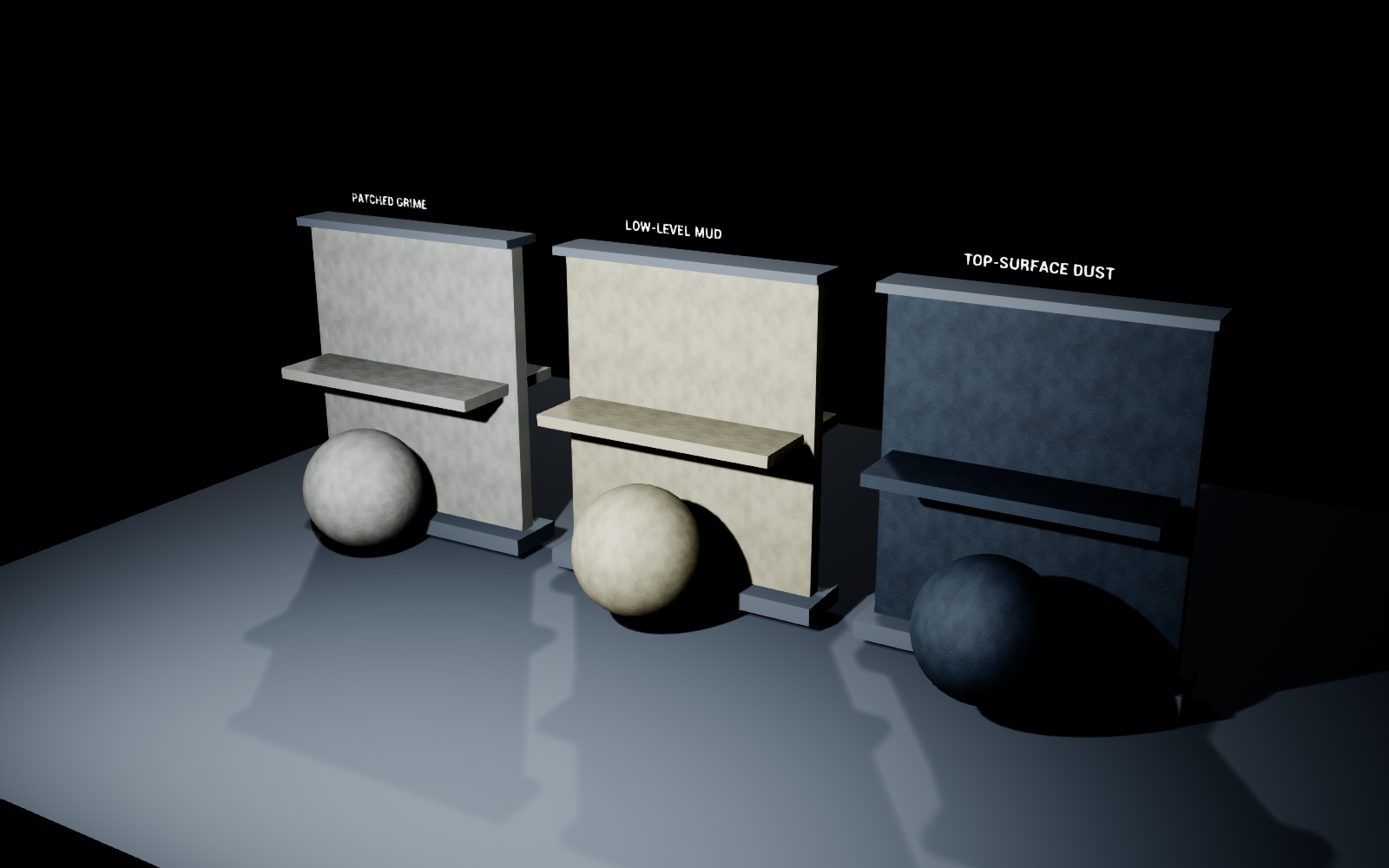
The same scene with Amount set to zero:
Quick start
- Open
SurfaceDirt.uprojectin Unreal Engine 5.0.3. The project opensSurfaceDirt/Maps/L_Overview. - Assign an instance from
SurfaceDirt/Materials/Presetsto a static mesh. - Adjust Coverage and Scale for the patch distribution.
- Use TopWeight for upward-facing dust, or HeightWeight, HeightStart and HeightFalloff for a low dirty band.
- Adjust Amount, effect color and effect roughness. Amount
0disables the effect.
The overview uses a fixed camera in Play mode with the mouse visible. Material parameters are edited in the Material Instance editor. No first-person character or project ActionMappings are required.
Add dirt to an existing material
The functions are in SurfaceDirt/Materials/Functions.
| Function | Purpose |
|---|---|
MF_SD_Mask | Creates a grayscale deposition mask from coordinates and distribution controls. |
MF_SD_Apply | Changes Base Color, Roughness and Metallic using the mask, copying other attributes from the supplied base material. |
MF_SD_WorldProjection | Provides optional planar world-space coordinates. |
Connect your existing Material Attributes to BaseMaterial on MF_SD_Apply. Connect MF_SD_Mask → Mask, supply the desired effect color and roughness, then connect Material to your material output with Use Material Attributes enabled.
For a conventional graph, use Make Material Attributes and Break Material Attributes, or use the mask as a Lerp alpha for selected properties.
The mask defaults to the mesh UVs, absolute world position and the unperturbed world-space vertex normal. You may supply UV, PositionWS and NormalWS explicitly. Connect a vertex-color channel or texture to UserMask to restrict the effect.
Distribution controls
| Control | Meaning |
|---|---|
| Amount | Overall strength, 0–1. |
| Coverage | Coverage threshold for the patch field. |
| Scale | Patch frequency in the supplied UV coordinates. |
| Seed | Repeatable patch variation. |
| Uniform | Non-directional contribution across the surface. |
| TopWeight | Contribution from upward-facing normals. |
| UpThreshold | World normal Z threshold for top accumulation. |
| HeightWeight | Contribution from the world-height band. |
| HeightStart | World Z below which the height contribution is full, in centimeters. |
| HeightFalloff | Fade distance above HeightStart, in centimeters. |
| Cavity | An artist-supplied mask. The example master uses this scalar to multiply CavityTexture. |
| CavityWeight | Strength of the supplied cavity contribution. |
| Granularity | Fine breakup inside covered patches. |
| UserMask | Restricts the complete result; black disables it locally. |
The distribution contributions are added and clamped. A strong Uniform value can cover areas that TopWeight or HeightWeight alone would exclude. Set unused contributions to zero when isolating a specific behavior.
Presets
- MI_SD_Dust — a light, rough deposit biased toward upward-facing surfaces.
- MI_SD_Mud — dark dirt concentrated near a specified world height.
- MI_SD_Grime — broken patches across the surface.
- MI_SD_Cavity — demonstrates the included, explicitly authored cavity-mask texture.
Dust, Mud and Grime include Clean variants with Amount set to zero. The example master exposes base color, roughness, metallic, detail tiling, a detail texture and a tangent-space normal texture. M_SD_MaskPreview displays only the mask for placement checks.
Cavity masks
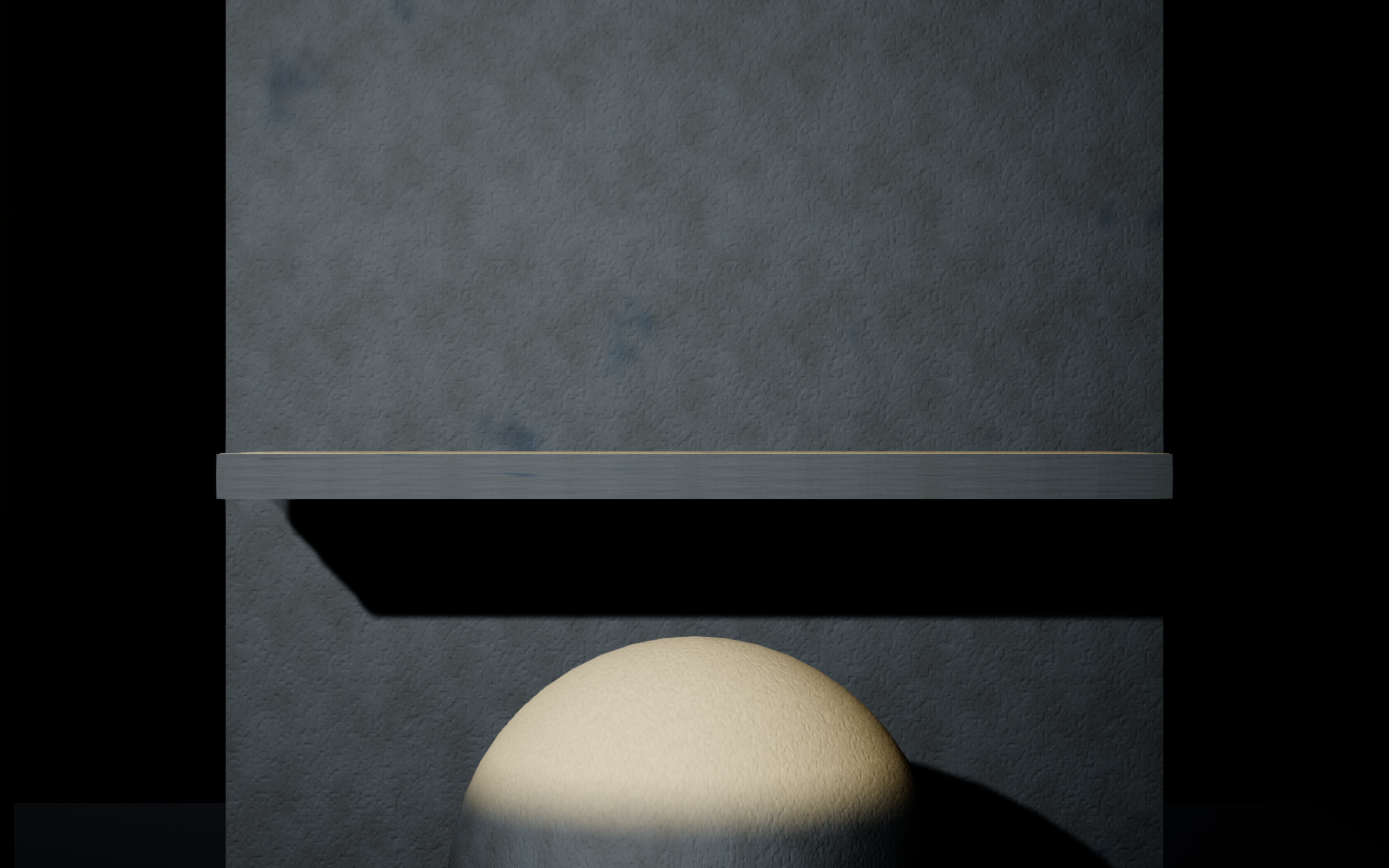
SurfaceDirt does not detect cavities from geometry. Supply a baked cavity map, a painted mask or another known source. White allows accumulation and black removes that contribution. Use the correct UV channel for your mask.
The included cavity texture is a simple authored joint pattern for demonstration. It is not an ambient-occlusion bake and does not conform automatically to an arbitrary mesh. Top accumulation also does not test whether another object shelters the surface.
World projection
MF_SD_WorldProjection accepts world position, an origin and SizeCm, the size of one UV unit in centimeters. Axis selects 0 = YZ wall, 1 = XZ wall, or 2 = XY floor. Connect its output to the mask's UV input when a fixed world scale is useful.
The helper is planar, so it does not automatically wrap across corners. Height controls remain measured in world centimeters regardless of the coordinate input.
Migration and limits
Migrate the complete SurfaceDirt folder through Unreal's Content Browser to the target project's Content directory. No other Surface Tools product or third-party runtime plugin is required.
The examples target opaque, Default Lit static surfaces. This is a material appearance system, with no particle deposition, geometry accumulation, automatic cavity baking or runtime cleaning simulation. Moving an object changes its world-height contribution; rotate it to change its top-facing contribution.
Built and visually checked in Unreal Engine 5.0.3 on Windows. A separate Windows load-and-cook check passed in 5.8.2. The supplied sample project's defaults target 5.0; for an existing 5.8 project, migrate the Content folder. Other engine versions and platforms have not been verified.