SurfaceLeaks
Development preview — not yet released on Fab. This page describes the current local candidate.
SurfaceLeaks creates procedural streaks from a source line that you position on a surface. Use its mask in your own material, or start with the included rust, water and grime material instances.
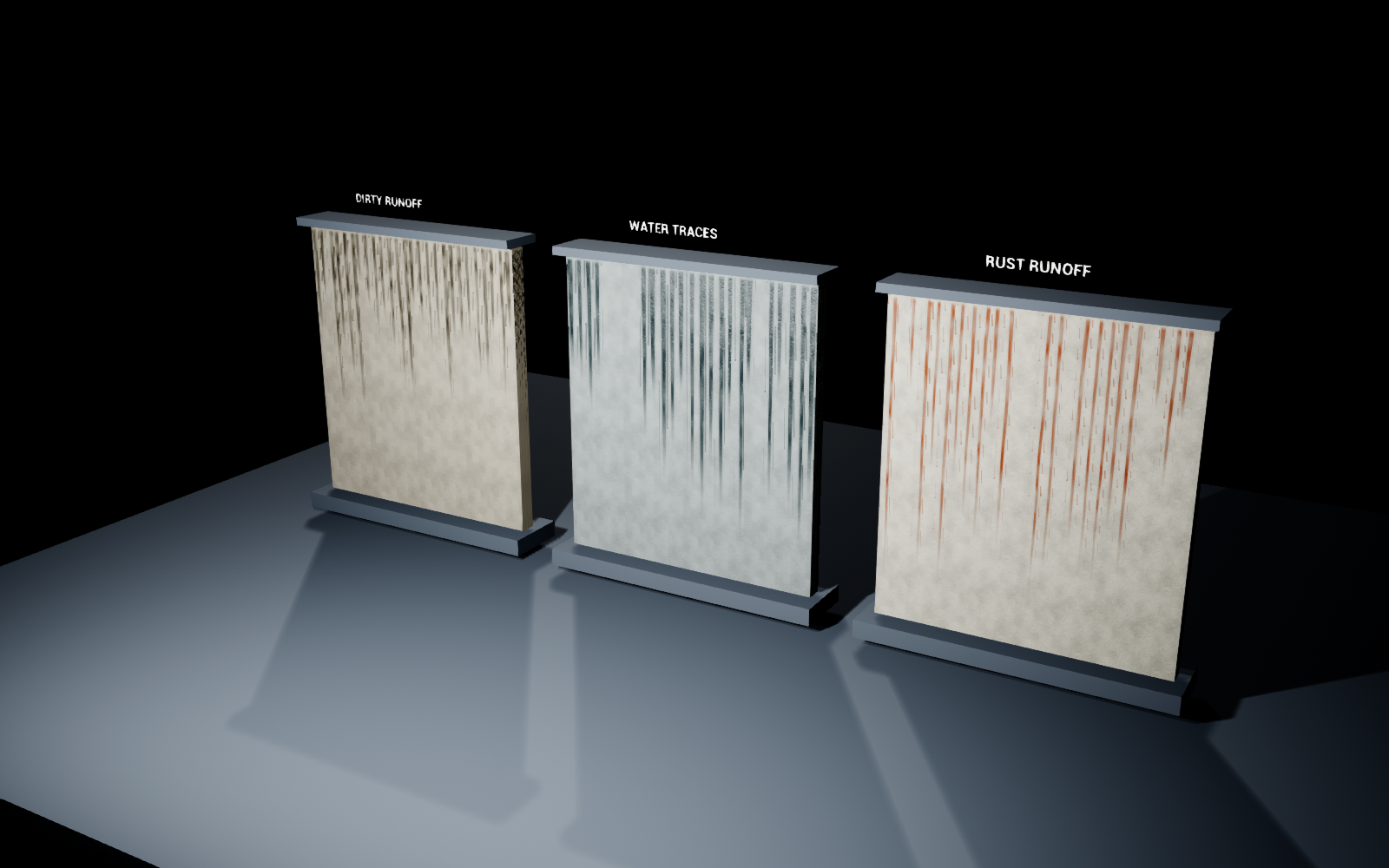
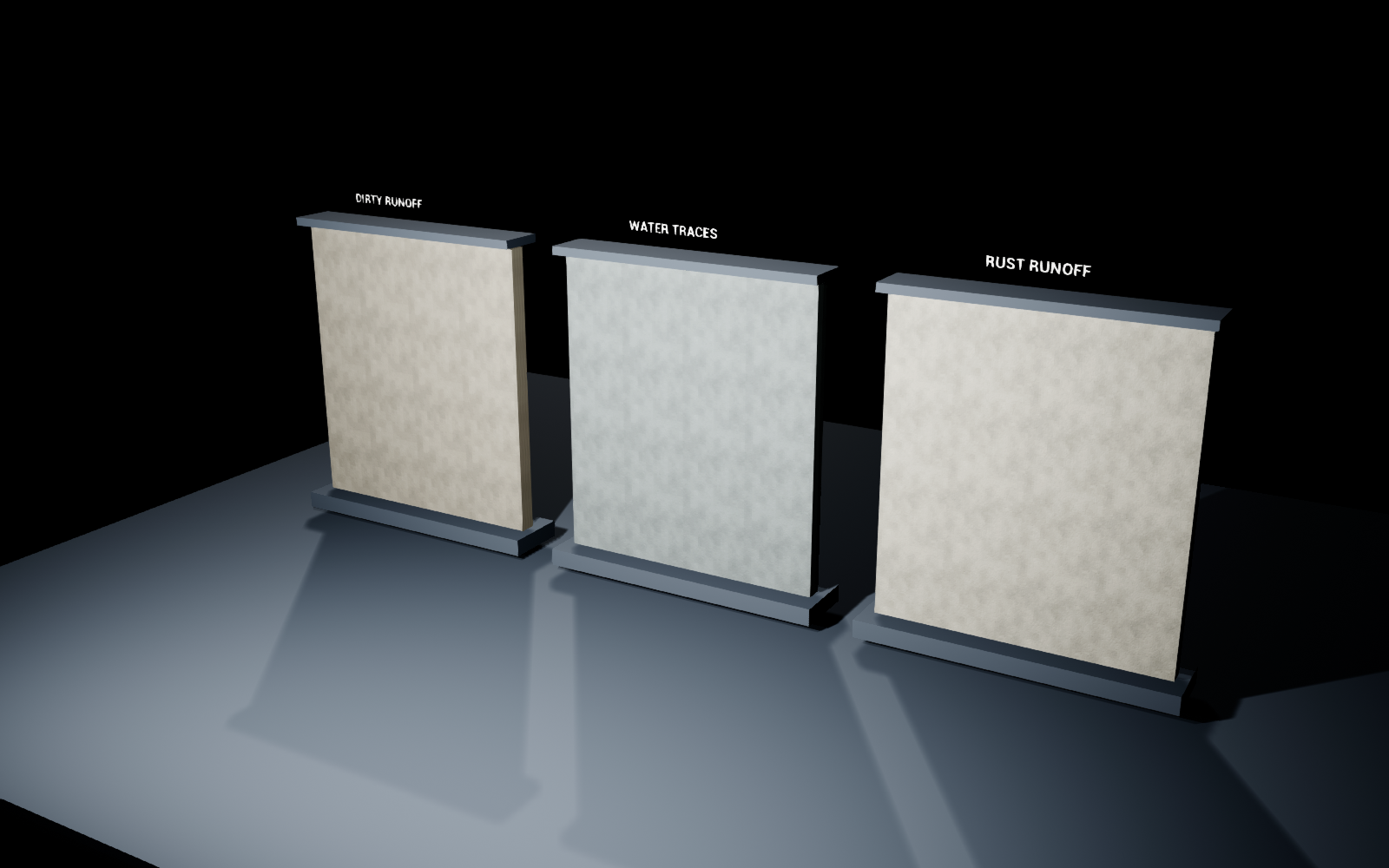
The same scene with Amount set to zero:
Quick start
- Open
SurfaceLeaks.uprojectin Unreal Engine 5.0.3. The project opensSurfaceLeaks/Maps/L_Overview. - Open a material instance in
SurfaceLeaks/Materials/Presetsand assign it to a static mesh with UVs. - Set Source to the start of the streaks. Adjust Length, Width and Density separately.
- Change Seed for a repeatable variation. Set Amount to
0to disable the effect.
The overview uses a fixed camera in Play mode with the mouse visible. Inspect and edit presets in the Material Instance editor. The project does not require ActionMappings or a first-person character.
Add streaks to an existing material
The three functions are in SurfaceLeaks/Materials/Functions.
| Function | Purpose |
|---|---|
MF_SL_Mask | Produces a grayscale streak mask. Connect a texture coordinate or your own two-dimensional projection to UV. |
MF_SL_Apply | Applies the mask to a supplied Material Attributes value. Changes Base Color, Roughness and Metallic and copies the other attributes from the input. |
MF_SL_WorldProjection | Optional planar coordinates based on world position, origin, size and projection axis. |
For a material using Material Attributes, connect its existing attributes to BaseMaterial on MF_SL_Apply. Connect MF_SL_Mask → Mask, supply the effect color, roughness and metallic values, then connect Material to the material output. Enable Use Material Attributes on the material if needed.
For a conventional material graph, use Make Material Attributes before the helper and Break Material Attributes after it. You can also use the mask directly as a Lerp alpha and choose which properties it affects.
The mask's UserMask input multiplies the result. Connect a painted vertex-color channel or your own texture mask to restrict where streaks appear. In the example master, UserMask is a scalar; replace that connection when integrating a painted mask.
Mask controls
| Control | Meaning |
|---|---|
| Amount | Overall intensity, 0–1. Zero disables the effect. |
| Source | Start line along the flow direction, in UV units. |
| Length | Maximum trail length in UV units. Individual trails are shorter by a seeded amount. |
| Width | Trail half-width within each lane. Does not stretch the flow direction. |
| Density | Fraction of potential lanes that contain a trail. Does not rescale the coordinates. |
| Lanes | Number of potential streak lanes per UV unit. |
| Seed | Stable variation of lane occupancy, trail length and shape. |
| Breakup | Internal breakup and lateral variation. |
| SourceSoftness | Fade width at the source line, in UV units. |
| Rotation | Projection rotation in degrees around UV (0.5, 0.5). |
| UserMask | Artist-supplied restriction mask. White allows the effect; black removes it. |
Increasing UV scale changes the physical size of all UV-based features. For repeatable dimensions on differently sized objects, provide deliberate UVs or use the world-projection helper.
Presets and base surface
- MI_SL_Rust — warm, rough rust runoff on a pale surface.
- MI_SL_Water — dark water traces with lower roughness.
- MI_SL_Grime — dark, broken-up dirt runoff.
Each has a Clean variant with Amount set to zero. The master exposes base color, roughness, metallic, detail tiling, a detail texture and a tangent-space normal texture. These textures provide an example surface; the mask function itself has no texture dependency.
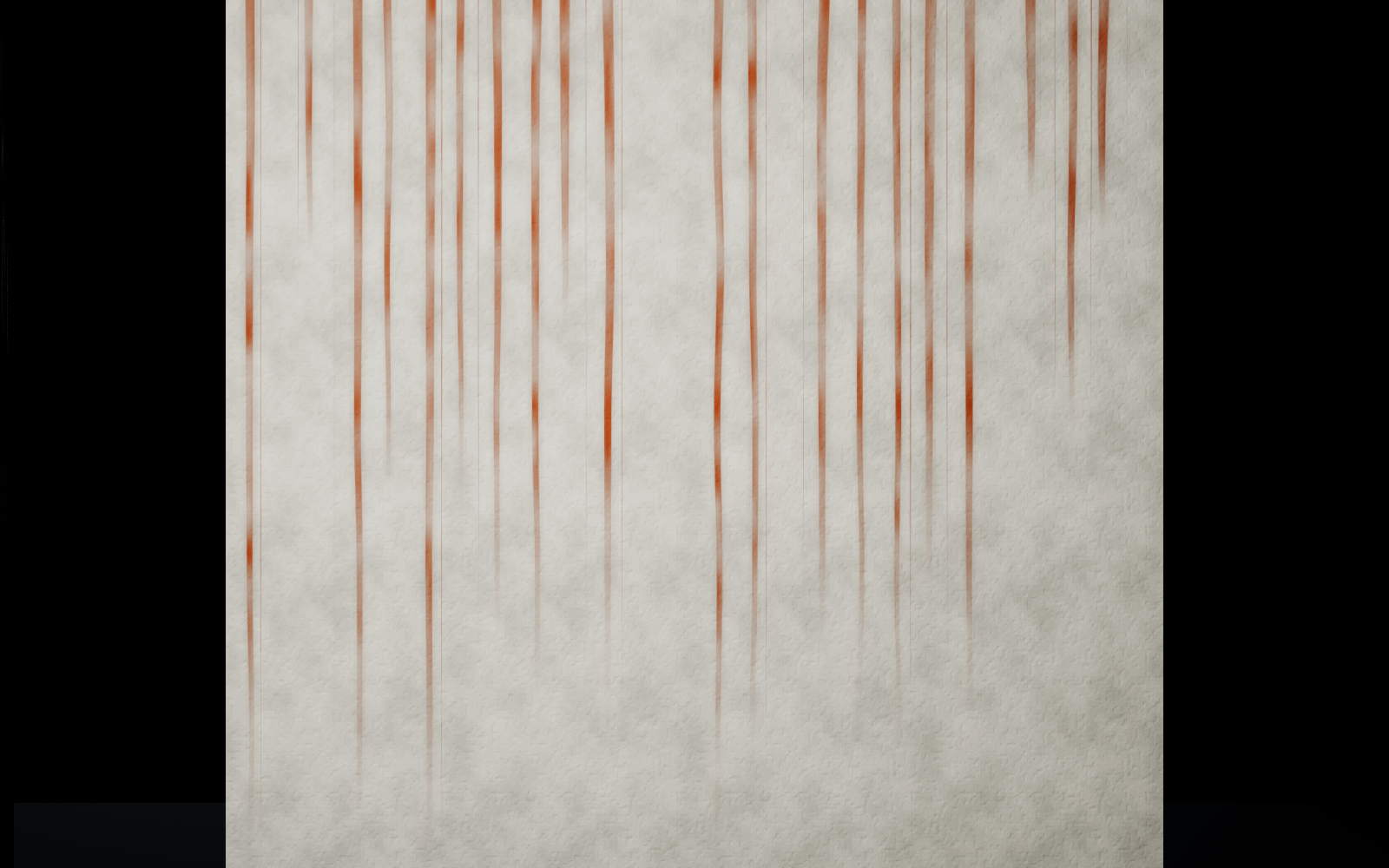
M_SL_MaskPreview displays the mask as an unlit grayscale material and is useful when tuning placement independently of the surface appearance.
World projection
MF_SL_WorldProjection uses world centimeters. SizeCm sets the size of one UV unit; Origin anchors the pattern. Axis selects 0 = YZ wall, 1 = XZ wall, or 2 = XY floor. Wall projections use downward world Z as the second coordinate.
This is planar projection. It does not wrap around arbitrary corners or automatically choose a projection for each face. A source line belongs to the supplied coordinate field, not to detected windows or geometry edges.
Migration and limits
Migrate the complete SurfaceLeaks folder through Unreal's Content Browser to your project's Content directory. The product does not require another Surface Tools package or a third-party runtime plugin.
The examples target opaque, Default Lit static surfaces. There is no water simulation, erosion, automatic source detection, dynamic drying system or decal-placement tool. UV seams and distorted UVs affect the result; inspect corners, rotated objects and nonuniform scales in the target material. The water preset is an appearance, not a moisture simulation.
Built and visually checked in Unreal Engine 5.0.3 on Windows. A separate Windows load-and-cook check passed in 5.8.2. The supplied sample project's defaults target 5.0; for an existing 5.8 project, migrate the Content folder. Other engine versions and platforms have not been verified.